 Llama Factory
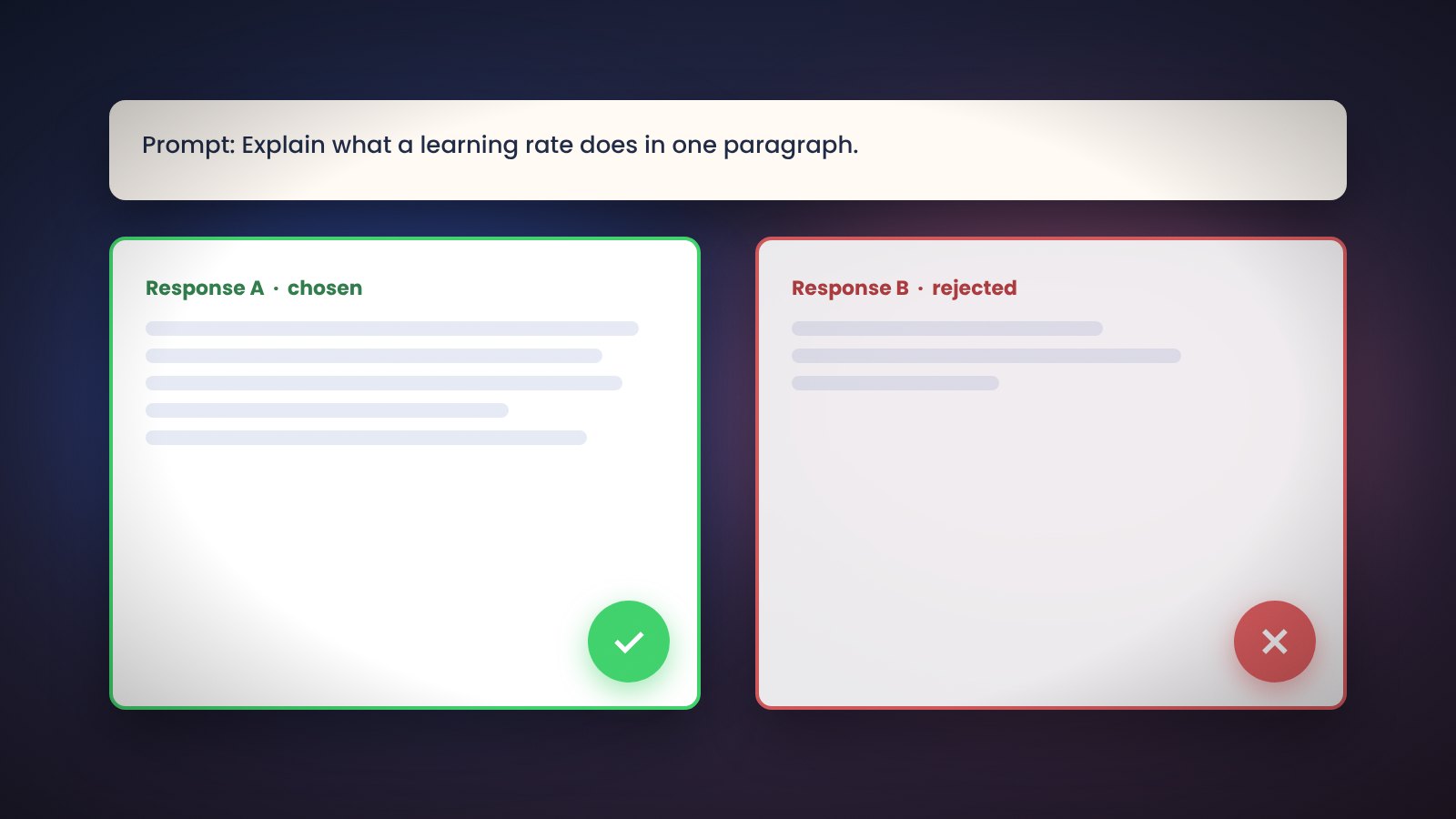
Supervised fine-tuning teaches a model what to say. Preference tuning teaches it which of two answers is better. Llama Factory ships DPO, KTO, ORPO, SimPO and PPO trainers so you can run this step with the same configs and datasets you already use.
When to use preference tuning in Llama Factory
Run preference tuning after SFT when the model already answers in the right format but you want to shape tone, safety, length or correctness. It is not a replacement for good SFT data.
DPO in Llama Factory
Direct Preference Optimization trains on pairs of chosen and rejected responses. No reward model is needed. It is the most common choice.
stage: dpo
finetuning_type: lora
dataset: dpo_en_demo
pref_beta: 0.1
pref_loss: sigmoid
pref_beta controls how far the policy may drift from the reference. Lower values allow more change.
KTO in Llama Factory
Kahneman-Tversky Optimization works on single responses labelled good or bad instead of pairs. This is easier to collect from thumbs-up and thumbs-down feedback. Set stage: kto and use a dataset with a kto_tag field.
ORPO and SimPO in Llama Factory
ORPO combines SFT and preference loss in one pass, so it can run on a base model without a separate SFT stage. SimPO drops the reference model, saving memory. Both are chosen through pref_loss: orpo or pref_loss: simpo under stage: dpo.
PPO with a reward model in Llama Factory
The classic RLHF path trains a reward model first (stage: rm), then runs PPO against it (stage: ppo). It needs more memory and tuning than DPO, so start with DPO unless you have a reason to use PPO.
Preference data format in Llama Factory
Pairs are stored as ShareGPT or Alpaca rows with chosen and rejected fields and "ranking": true in dataset_info.json. A few hundred clear pairs are enough to see an effect on small models.
Checking Llama Factory results
Watch the reward margin and accuracy metrics in the logs. Then compare answers side by side in the Chat tab with the SFT adapter and the DPO adapter loaded in turn.