 Llama Factory
Setup
How to Install Llama Factory on Linux, Windows and Docker
Step-by-step install of Llama Factory from source, with Docker, uv and the Windows extras for PyTorch and bitsandbytes.
Read the article →Llama Factory is a fine-tuning toolkit for open large language models. Pick a model, point it at a dataset, choose LoRA, QLoRA or full tuning, and train from a web UI or a single YAML config. The same tool chats with the result, serves it as an API and exports merged weights.
It wraps Hugging Face Transformers, PEFT and TRL into one package so that training, evaluation, inference and export share the same configs and datasets.
Developers who want a model to follow their own format or domain, researchers comparing tuning methods, and teams that need a repeatable path from dataset to deployed model. If prompt engineering or retrieval already covers your use case, you may not need fine-tuning at all.
The data folder ships with demo sets in both Alpaca and ShareGPT layouts, plus registered entries for public datasets on the Hugging Face Hub. Add your own JSON file to dataset_info.json and it appears in the web UI next to the built-in ones.
Every run writes to the output_dir named in the config: adapter weights or full checkpoints, training logs, a loss plot and the arguments used. Point the chat or export config at that folder to use what you trained.
A YAML file names the model, dataset, method and hyperparameters. llamafactory-cli train runs it. The output folder holds the adapter or full weights, logs and a copy of the config. The same file, with a few keys changed, drives chat and export.
Each feature is switched on from the config or the web UI. Nothing needs to be wired together by hand.
LLaMA, Qwen, Mistral, Gemma, DeepSeek, GLM, Phi, Yi and vision or audio models such as Qwen3-VL and LLaVA, all through one loader.
Continued pre-training, supervised fine-tuning, reward modeling, PPO, DPO, KTO and ORPO, selected with a single config key.
16-bit full tuning, freeze tuning, LoRA, and 2 to 8-bit QLoRA via bitsandbytes, AQLM, AWQ, GPTQ, HQQ and EETQ.
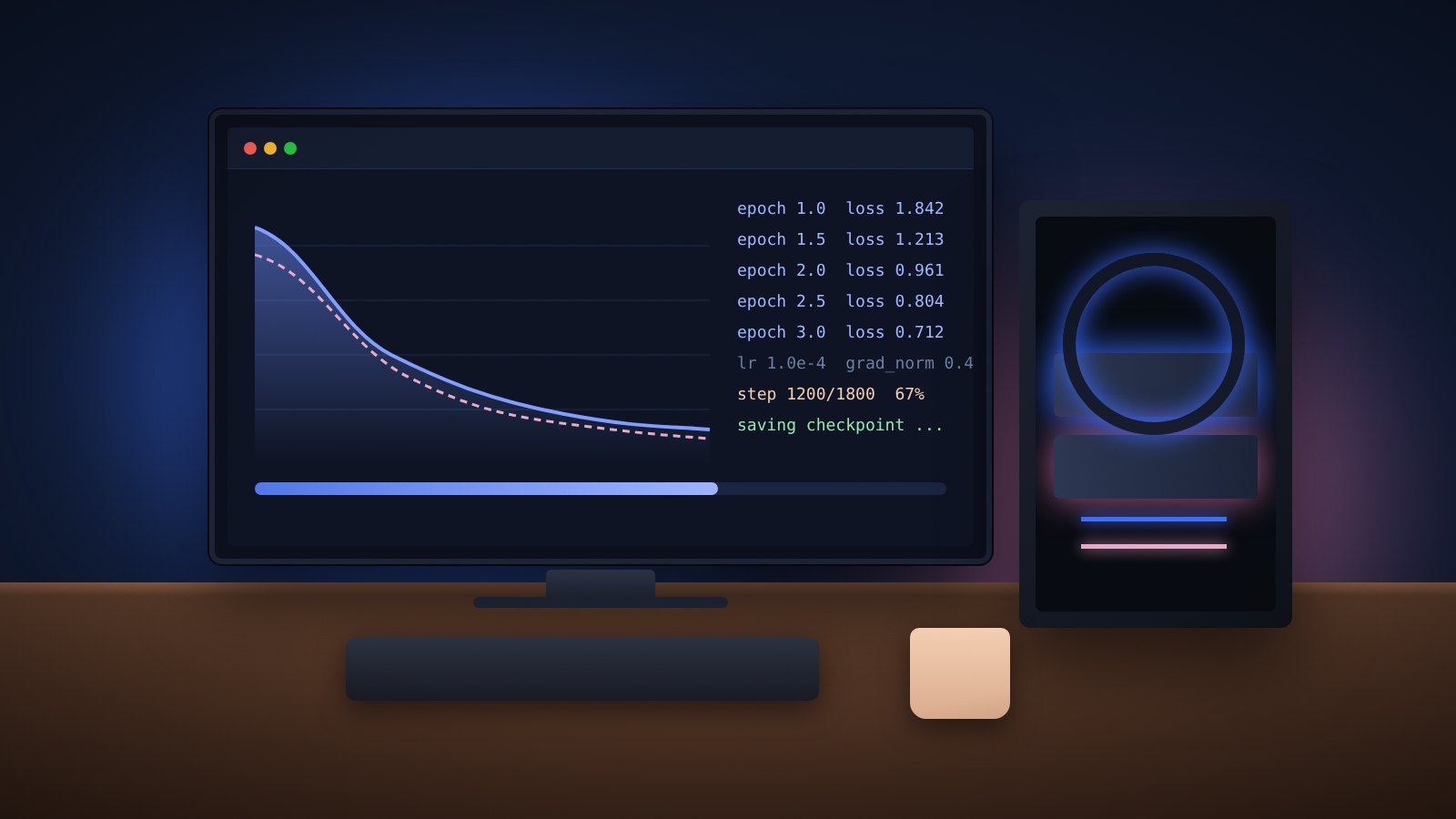
A Gradio interface that previews data, builds the command, shows the loss curve live and exports the model when done.
FlashAttention-2, Unsloth, Liger Kernel, GaLore, BAdam, APOLLO, Muon and NEFTune are switched on with flags.
Log runs to LlamaBoard, TensorBoard, Weights & Biases, MLflow or SwanLab.
Chat in the terminal, the web UI, or an OpenAI-style API backed by Transformers, vLLM or SGLang.
Image understanding, visual grounding, video recognition, audio understanding and tool calling in the same data format.
Models load from the Hugging Face Hub, ModelScope or a local folder. Each family has a matching chat template, so prompts render correctly during training and inference.
New releases such as Qwen3, Gemma 3, GLM-4.1V and Llama 4 were supported on day 0 or day 1. The complete table with template names is in the README inside the download.
Set stage and finetuning_type in the config to combine any stage with full, freeze or LoRA tuning.
Continue training on raw text to add domain knowledge before instruction tuning.
Teach the model a task or format from instruction and response pairs, including multimodal pairs.
Train a scorer from preference pairs for use with PPO.
Reinforcement learning against a reward model, the classic RLHF loop.
Preference tuning from chosen and rejected answers without a reward model.
Single-label preference tuning, and a combined SFT plus preference objective.
Estimated VRAM for one device. The method decides the budget more than the model name does.
| Method | Bits | 7B | 14B | 30B | 70B |
|---|---|---|---|---|---|
| Full (bf16 / fp16) | 32 | 120 GB | 240 GB | 600 GB | 1200 GB |
| Full (pure_bf16) | 16 | 60 GB | 120 GB | 300 GB | 600 GB |
| Freeze / LoRA / GaLore / BAdam | 16 | 16 GB | 32 GB | 64 GB | 160 GB |
| QLoRA 8-bit | 8 | 10 GB | 20 GB | 40 GB | 80 GB |
| QLoRA 4-bit | 4 | 6 GB | 12 GB | 24 GB | 48 GB |
| QLoRA 2-bit | 2 | 4 GB | 8 GB | 16 GB | 24 GB |
Python 3.11+, PyTorch 2.0+ (2.6 recommended), Transformers 4.49+, PEFT 0.14+ and TRL 0.8.6+ are required. CUDA, ROCm and Ascend NPU devices are supported. Read the hardware guide for card-by-card advice.
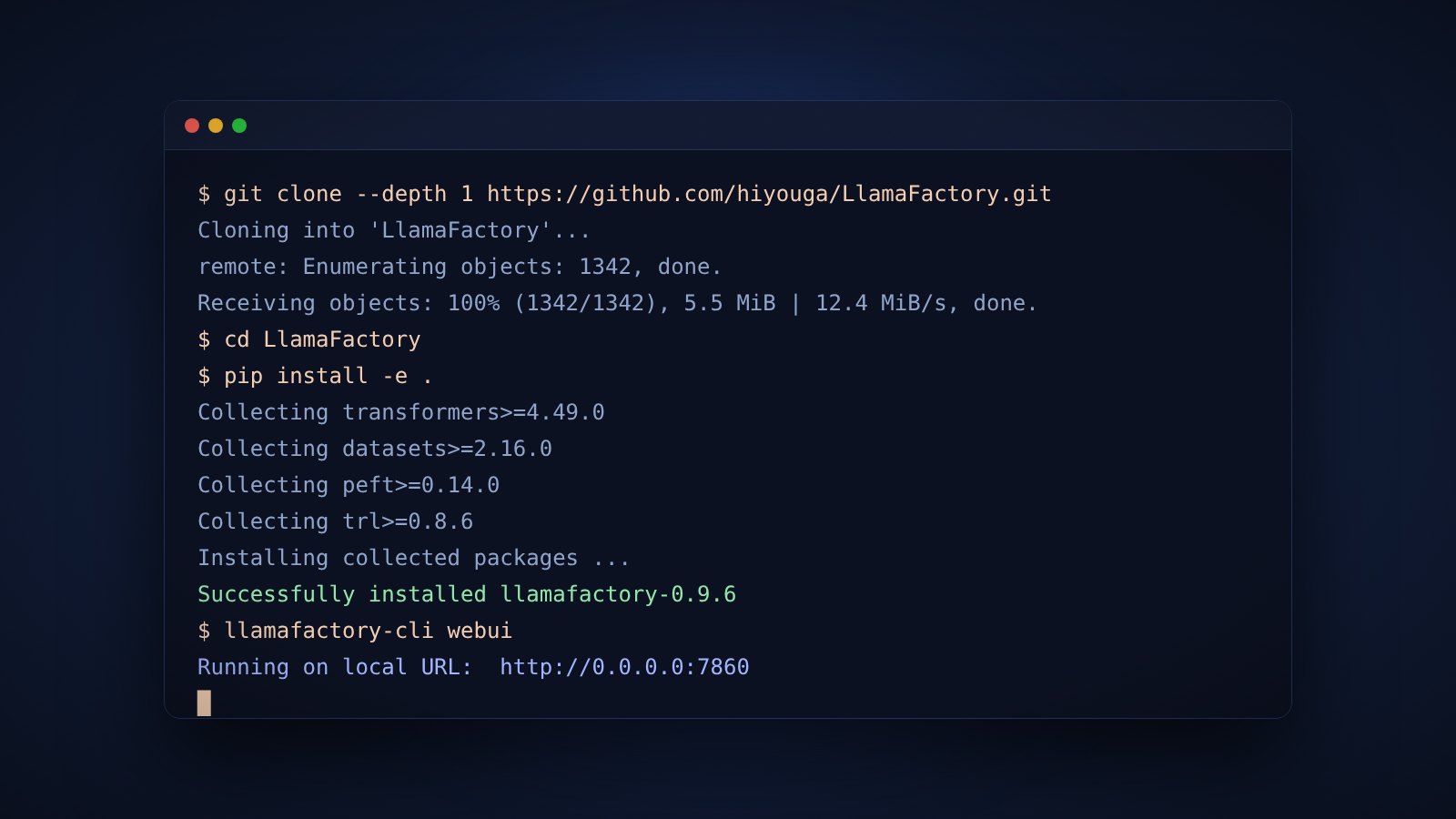
Four steps take you from the download to a running web UI. Docker and uv routes are covered in the install guide.
Download the zip from this page or clone the repository, then open a terminal in the folder.
git clone --depth 1 https://github.com/hiyouga/LlamaFactory.git
cd LlamaFactoryCreate a virtual environment with Python 3.11 or newer, then install in editable mode. Add the metrics file for evaluation support.
pip install -e .
pip install -r requirements/metrics.txtConfirm PyTorch can see CUDA. On Windows, install the CUDA build of PyTorch first.
python -c "import torch; print(torch.cuda.is_available())"Open LLaMA Board in the browser, or run the sample LoRA config from the CLI to train, chat and merge.
llamafactory-cli webui
llamafactory-cli train examples/train_lora/qwen3_lora_sft.yamlThe archive contains the full source: the Python package, example configs for LoRA, QLoRA, DPO and full tuning, demo datasets, Dockerfiles, helper scripts and documentation. Unzip it and follow the install steps above.
Short, practical articles on setup, data, training methods and deployment.
Step-by-step install of Llama Factory from source, with Docker, uv and the Windows extras for PyTorch and bitsandbytes.
Read the article →
How much GPU memory each Llama Factory training method needs, from full fine-tuning to 2-bit QLoRA, with sizing examples.
Read the article →
A plain comparison of LoRA and QLoRA inside Llama Factory, covering memory, speed, quality and the config keys that control each.
Read the article →Answers to the questions people ask most before their first run.
Llama Factory is an open-source toolkit for fine-tuning large language models. It gives you a command-line interface and a web UI (LLaMA Board) to train, evaluate, chat with and export more than 100 models without writing training code.
Yes. The code is released under the Apache 2.0 license. You still need to follow the license of each model you fine-tune, since model licenses vary by provider.
A 4-bit QLoRA run on a 7B model fits in about 6 GB of VRAM, so an 8 GB card works for small experiments. LoRA in 16-bit on a 7B model needs around 16 GB. Larger models and full fine-tuning need more, as shown in the requirements table above.
Yes. Install the CUDA build of PyTorch by hand first, then install the package. bitsandbytes is needed for QLoRA, and FlashAttention-2 must be compiled or installed from a prebuilt wheel.
LLaMA 2, 3 and 4, Qwen 2.5 and 3, Qwen3-VL, Mistral and Mixtral, Gemma 2 and 3, DeepSeek, GLM-4, Phi, Yi, LLaVA, InternLM, MiniCPM and many more. Vision and audio models are included.
No. The data folder includes demo datasets such as alpaca_en_demo and dpo_en_demo so you can test the whole pipeline before adding your own data.
Yes. LLaMA Board lets you choose the model, dataset, method and hyperparameters from menus. It builds the command for you and shows the loss curve while training runs.
Chat with it through the CLI or web UI, serve it with an OpenAI-style API, or merge the adapter with the export command and load the result in any Hugging Face compatible tool.
The download is the full source folder of the project: the Python package, example configs, demo datasets, Dockerfiles, scripts and documentation. Unzip it and follow the install steps on this page.