 Llama Factory
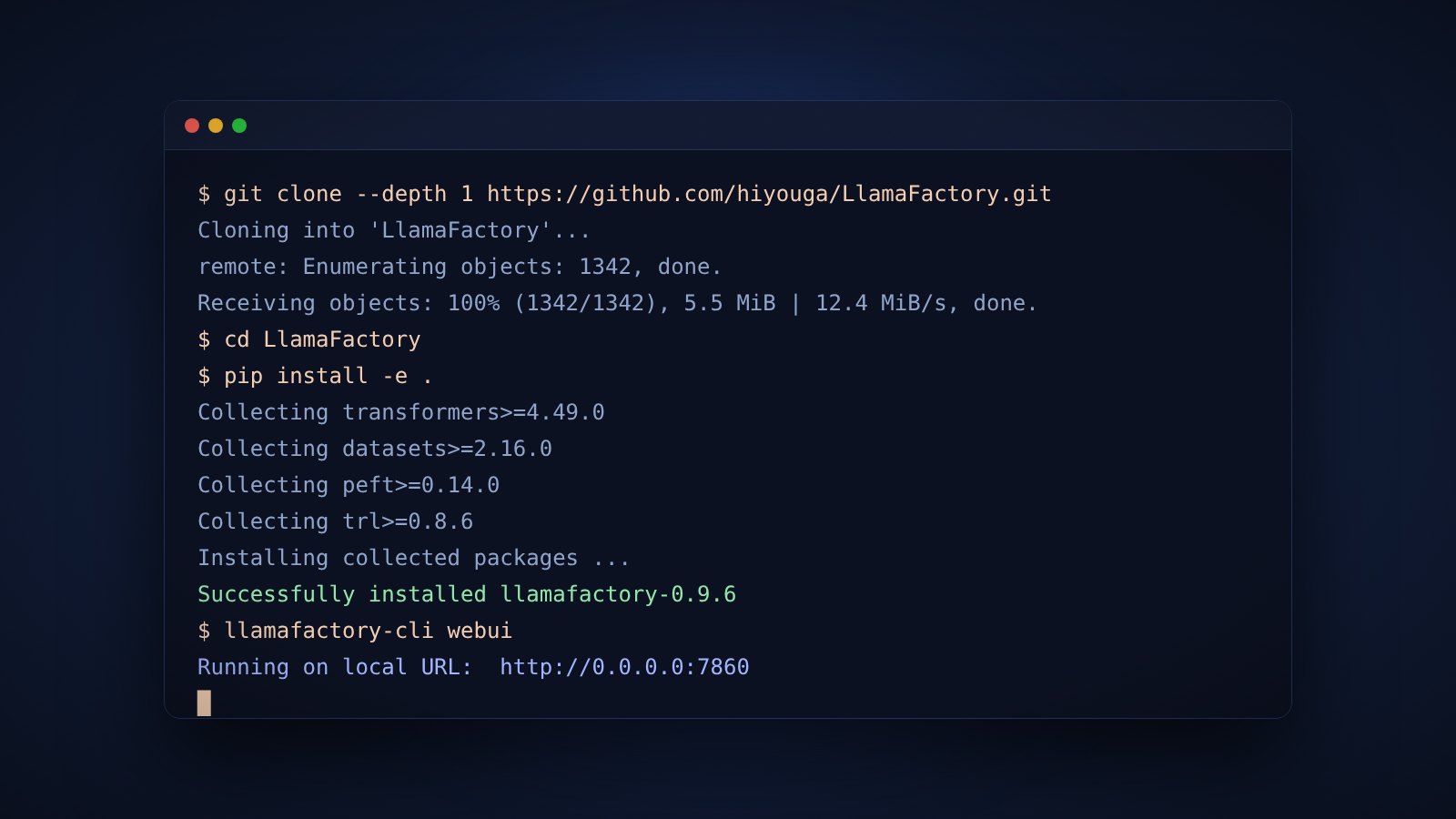
Llama Factory is a Python package. You can install it from the source folder in this download, from GitHub, or run it inside a ready-made Docker image. This guide walks through each route and the extras you may need.
Before you install Llama Factory
Check the version table first. Python 3.11 or newer is required. PyTorch 2.0.0 is the minimum and 2.6.0 is recommended. Transformers 4.49.0, datasets 2.16.0, peft 0.14.0 and trl 0.8.6 are the floor versions.
A CUDA-capable NVIDIA GPU is the most common setup. AMD ROCm and Ascend NPU devices are also supported with their own requirement files.
Option 1: Install Llama Factory from source
Unzip the download or clone the repository, then install it in editable mode. The metrics file adds packages used for evaluation.
git clone --depth 1 https://github.com/hiyouga/LlamaFactory.git
cd LlamaFactory
pip install -e .
pip install -r requirements/metrics.txt
Optional requirement files exist for DeepSpeed, vLLM, SGLang, bitsandbytes and NPU. Install only what you plan to use, for example pip install -r requirements/deepspeed.txt.
Option 2: Llama Factory Docker image
The official image ships with Ubuntu 22.04, CUDA 12.4, Python 3.11, PyTorch 2.6.0 and Flash-Attention 2.7.4.
docker run -it --rm --gpus=all --ipc=host hiyouga/llamafactory:latestDockerfiles for CUDA, ROCm and NPU are in the docker folder if you want to build your own image with extra packages.
Option 3: Llama Factory with uv
If you use uv for virtual environments, one command creates the environment and starts the web UI.
uv run llamafactory-cli webuiLlama Factory on Windows
Windows needs the GPU build of PyTorch installed by hand. Uninstall the CPU build first, then install the CUDA wheel and confirm that CUDA is visible.
pip uninstall torch torchvision torchaudio
pip install torch torchvision torchaudio --index-url https://download.pytorch.org/whl/cu126
python -c "import torch; print(torch.cuda.is_available())"
For QLoRA on Windows, install bitsandbytes after PyTorch. Match the wheel to your CUDA Toolkit version. If you hit a Can't pickle local object error during training, set dataloader_num_workers: 0 in your config.
Verify the Llama Factory install
llamafactory-cli version
llamafactory-cli webui
The first command prints the package version. The second opens LLaMA Board on port 7860. If both work, the install is complete and you can move on to dataset preparation.