 Llama Factory
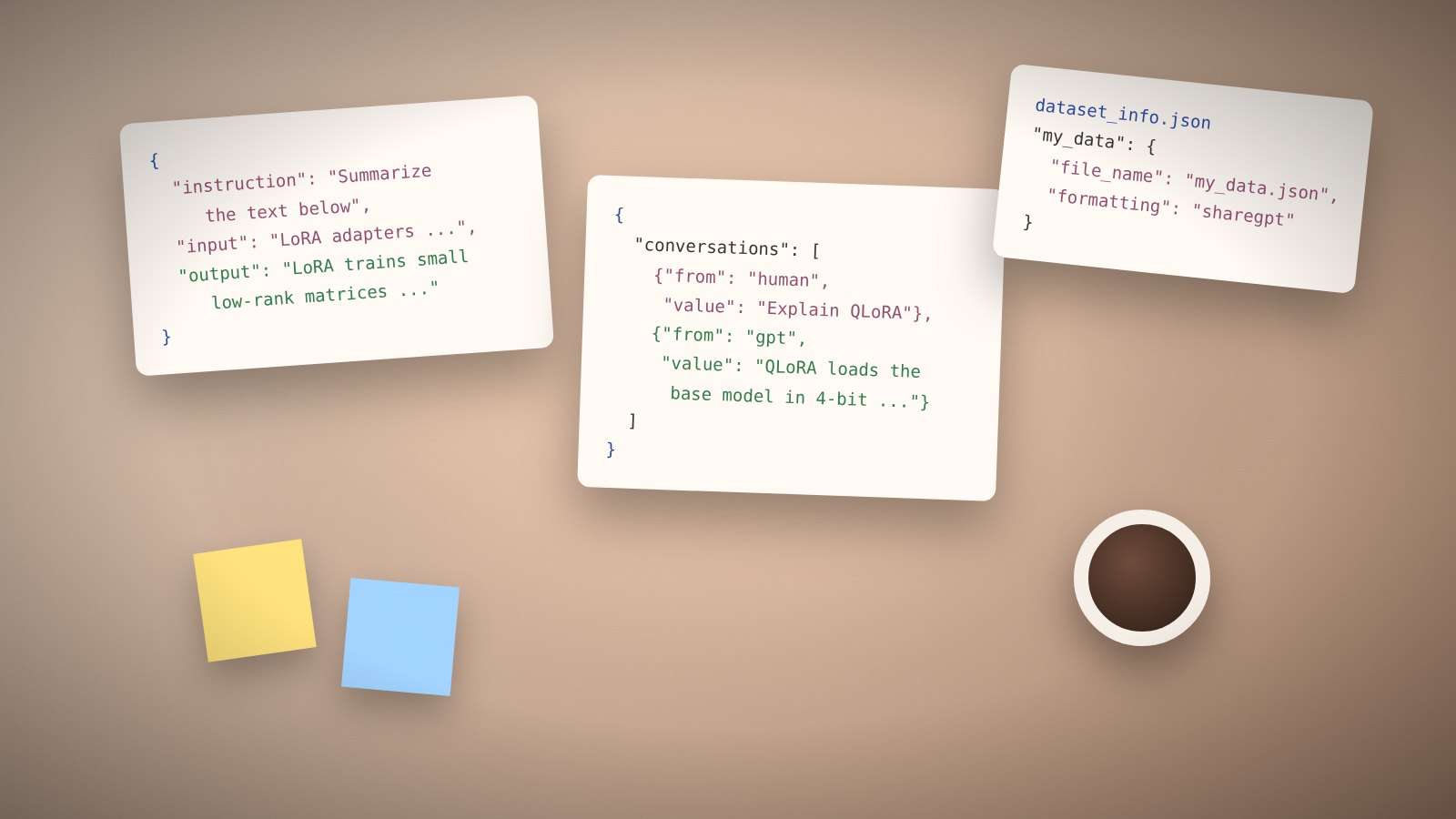
Llama Factory reads training data as JSON or JSONL files. Two layouts are supported: Alpaca and ShareGPT. Both are registered in data/dataset_info.json so you can refer to them by a short name in any config.
Alpaca format in Llama Factory
Alpaca is a flat record with an instruction, optional input and an output. It suits single-turn tasks such as classification, rewriting or question answering.
[
  {
    "instruction": "Summarize the paragraph.",
    "input": "LoRA adds small trainable matrices to each layer ...",
    "output": "LoRA trains small low-rank matrices instead of the full model."
  }
]
A system field and a history list of earlier turns are optional.
ShareGPT format in Llama Factory
ShareGPT stores whole conversations. Use it for chat assistants, tool calling and multi-turn data.
[
  {
    "conversations": [
      {"from": "human", "value": "What is QLoRA?"},
      {"from": "gpt", "value": "QLoRA loads the base model in 4-bit and trains LoRA adapters on top."}
    ]
  }
]
Tool calls use function_call and observation roles. Images, videos and audio are attached through images, videos and audios lists with file paths.
Register the file with Llama Factory
Add an entry to data/dataset_info.json. The key is the name you will use in configs.
"my_data": {
  "file_name": "my_data.json",
  "formatting": "sharegpt",
  "columns": {"messages": "conversations"}
}
Hugging Face and ModelScope datasets can be registered with hf_hub_url or ms_hub_url instead of a file name.
Preference data for DPO in Llama Factory
Preference pairs need a chosen and rejected response for the same prompt. Set "ranking": true in the dataset entry. KTO uses a single response with a kto_tag boolean.
Check data before training in Llama Factory
Open the Preview button in LLaMA Board after choosing a dataset. It shows how the template renders your rows. Look for missing roles, broken escaping or empty outputs.
Keep examples consistent in style. Fifty clean examples usually beat five hundred noisy ones. Remove duplicates and trim very long samples that would be cut by cutoff_len.
The full specification with every optional field is in data/README.md inside the download.