 Llama Factory
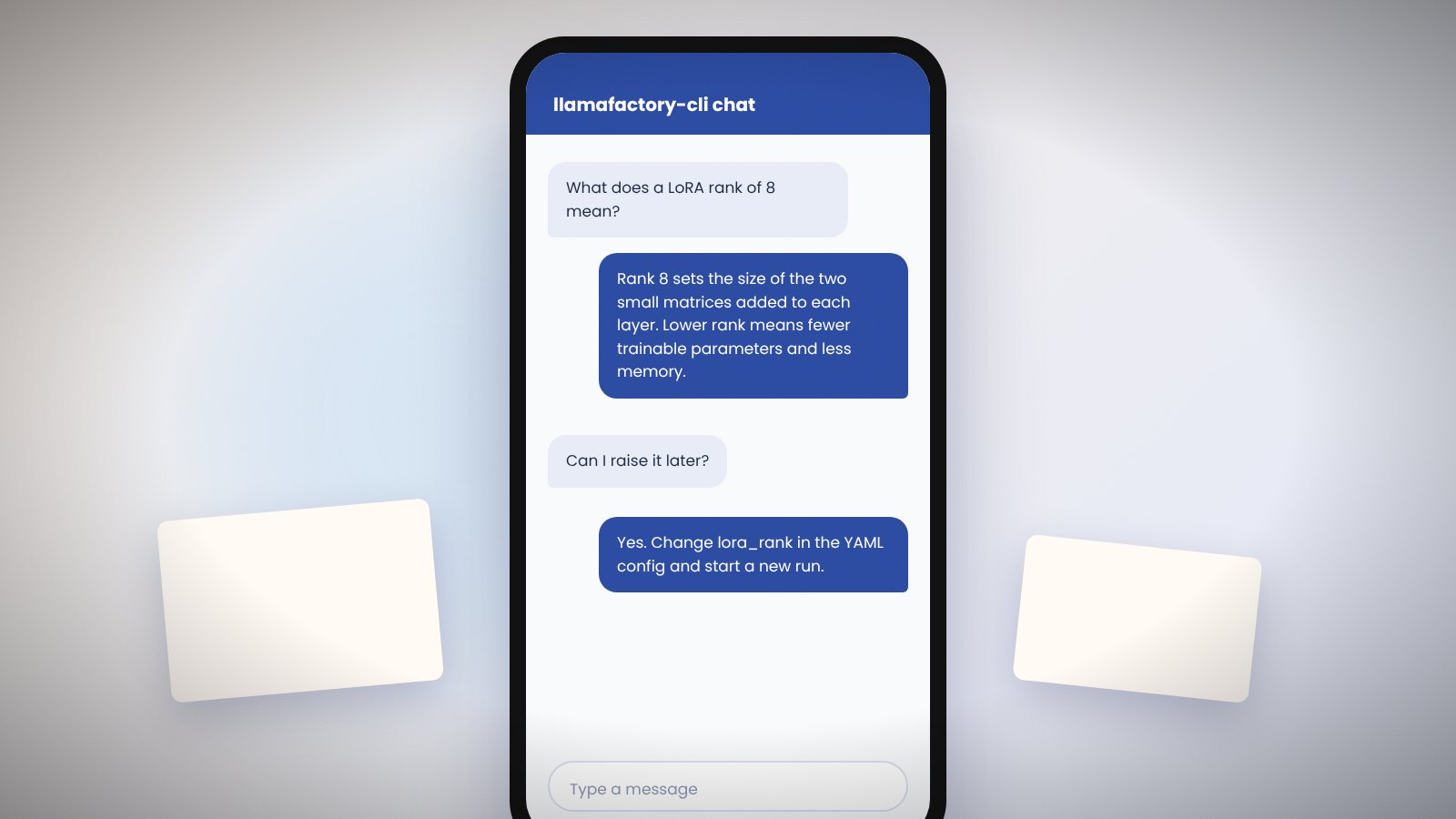
Once training ends, Llama Factory offers three ways to use the model: a terminal chat, the web UI and an HTTP API that mirrors the OpenAI format. All three read the same inference config.
Llama Factory inference config
model_name_or_path: Qwen/Qwen3-4B-Instruct
adapter_name_or_path: saves/qwen3-4b/lora/sft
template: qwen3
infer_backend: huggingface
Leave out adapter_name_or_path to run the base model or a merged model.
Llama Factory terminal chat
llamafactory-cli chat examples/inference/qwen3_lora_sft.yamlType a message and the model streams a reply. Use clear to reset history and exit to quit.
Llama Factory web chat
llamafactory-cli webchat examples/inference/qwen3_lora_sft.yamlThis opens a single-page Gradio chat on port 7860, useful for sharing a demo on a local network.
Llama Factory OpenAI-style API
API_PORT=8000 llamafactory-cli api examples/inference/qwen3_lora_sft.yamlAny client that speaks the OpenAI chat completions format can call it. Set base_url to http://localhost:8000/v1 and any string as the API key.
Faster backends in Llama Factory
Set infer_backend: vllm or infer_backend: sglang for higher throughput. Both need the matching requirement file installed. vLLM does not load LoRA adapters in every mode, so merge the adapter first for the smoothest path.
Batch prediction with Llama Factory
To score a whole dataset, run the train command with do_predict: true and predict_with_generate: true. Outputs land in a JSONL file in the output directory along with ROUGE and BLEU scores.
Llama Factory generation settings
temperature, top_p, max_new_tokens and repetition_penalty can be set in the config or per request. Lower temperature for factual tasks; raise it slightly for creative ones.