 Llama Factory
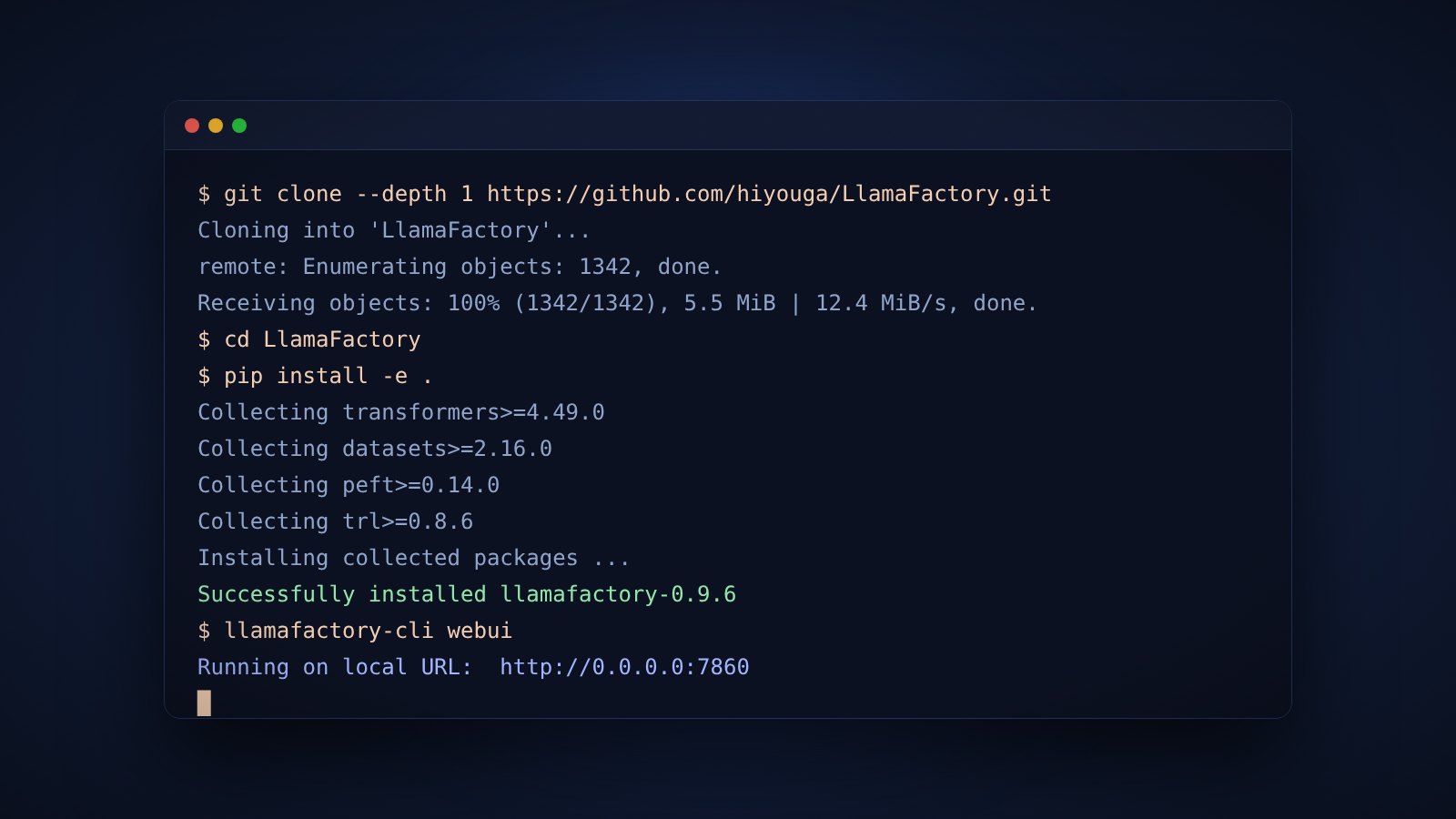
Setup
How to Install Llama Factory on Linux, Windows and Docker
Step-by-step install of Llama Factory from source, with Docker, uv and the Windows extras for PyTorch and bitsandbytes.
Read the article →Nine articles that follow the order of a real project: install, size the hardware, prepare data, choose a method, train, align, run, export and fix what breaks.
Step-by-step install of Llama Factory from source, with Docker, uv and the Windows extras for PyTorch and bitsandbytes.
Read the article →
How much GPU memory each Llama Factory training method needs, from full fine-tuning to 2-bit QLoRA, with sizing examples.
Read the article →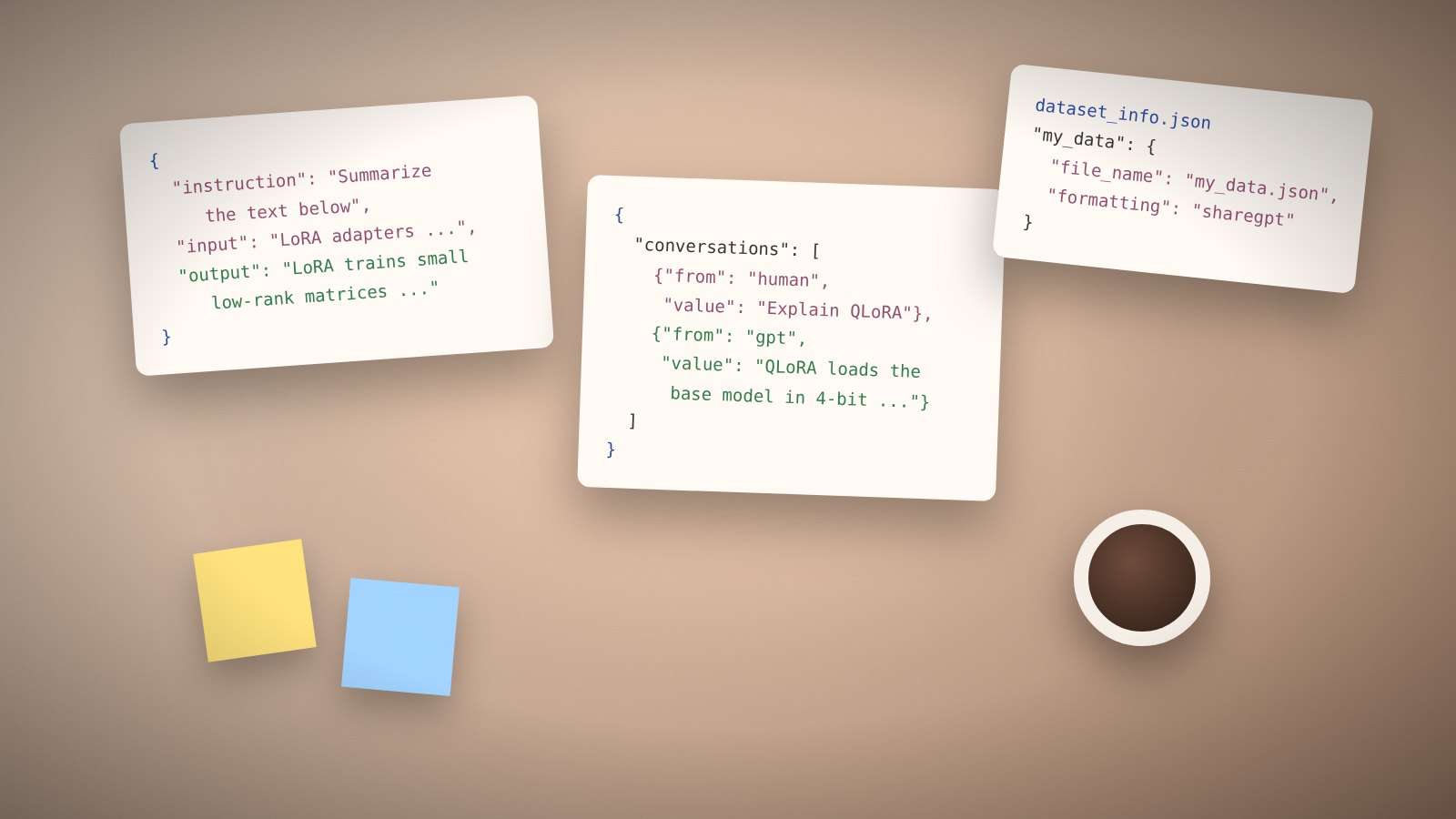
Learn the two dataset formats Llama Factory reads, how to register a file in dataset_info.json, and how to check it before training.
Read the article →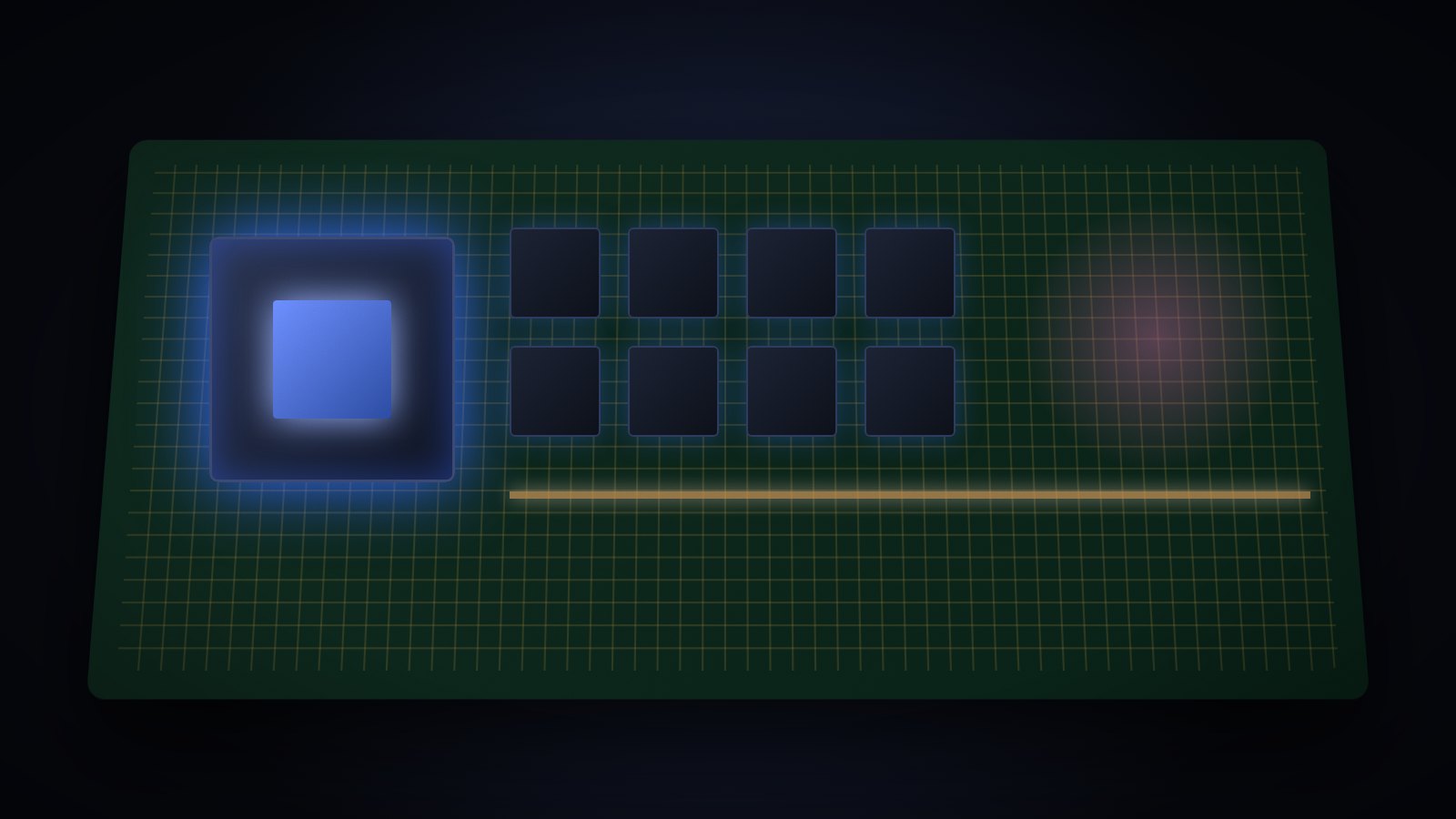
A plain comparison of LoRA and QLoRA inside Llama Factory, covering memory, speed, quality and the config keys that control each.
Read the article →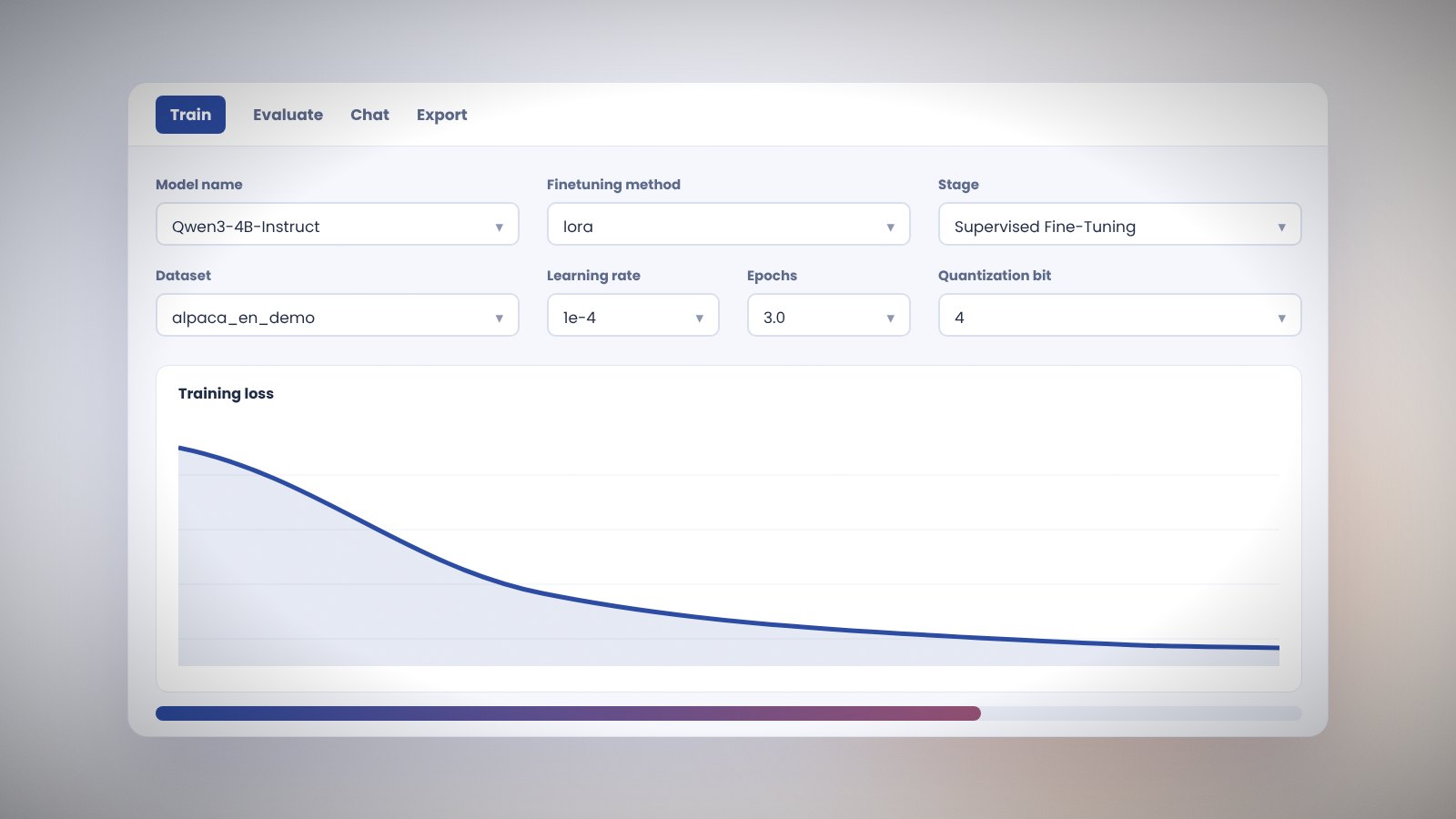
A tour of the Gradio web interface in Llama Factory: choosing a model, setting training options, previewing data, chatting and exporting.
Read the article →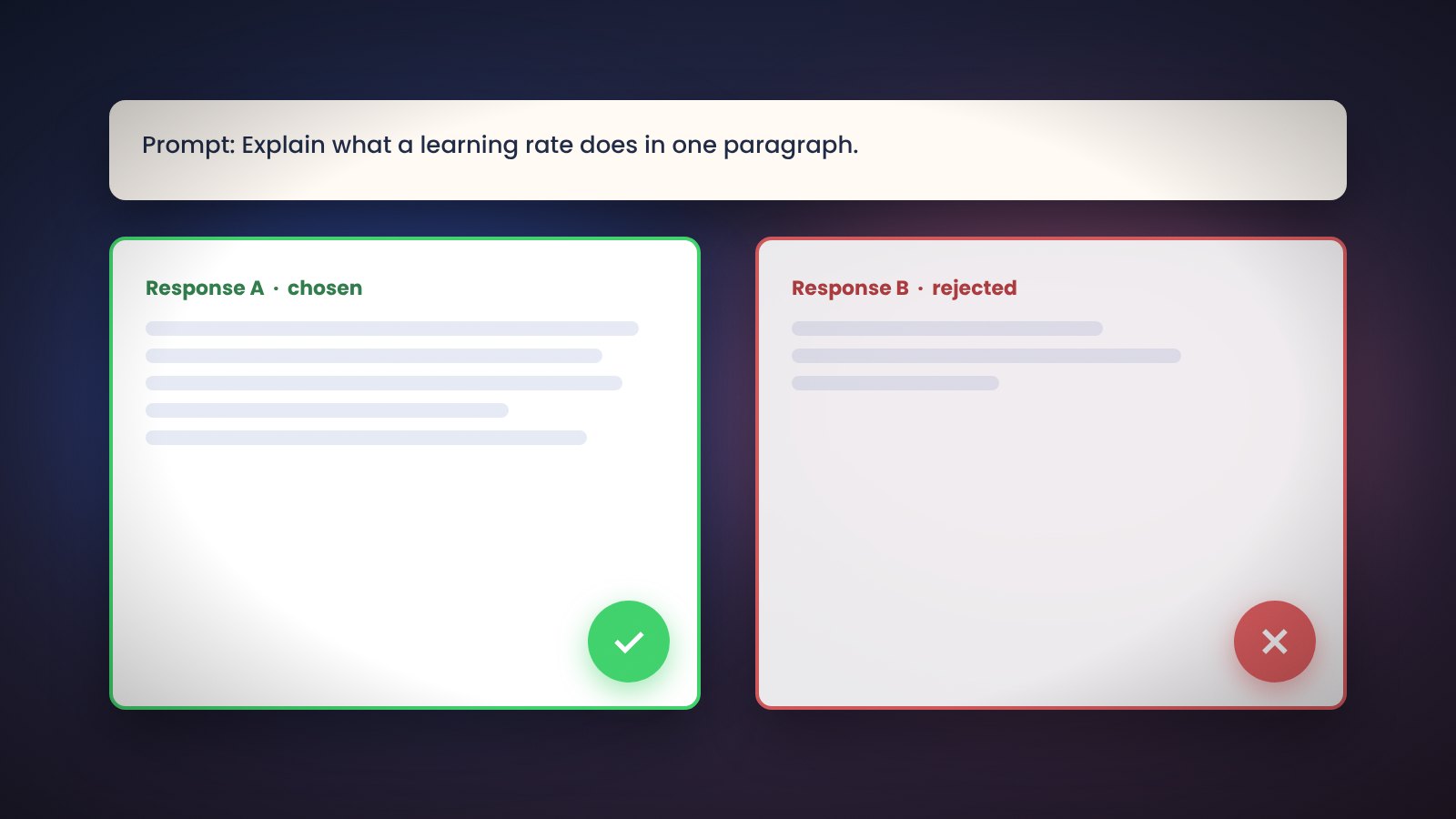
What preference tuning does, how DPO, KTO and ORPO differ, and the Llama Factory configs that run each one after supervised fine-tuning.
Read the article →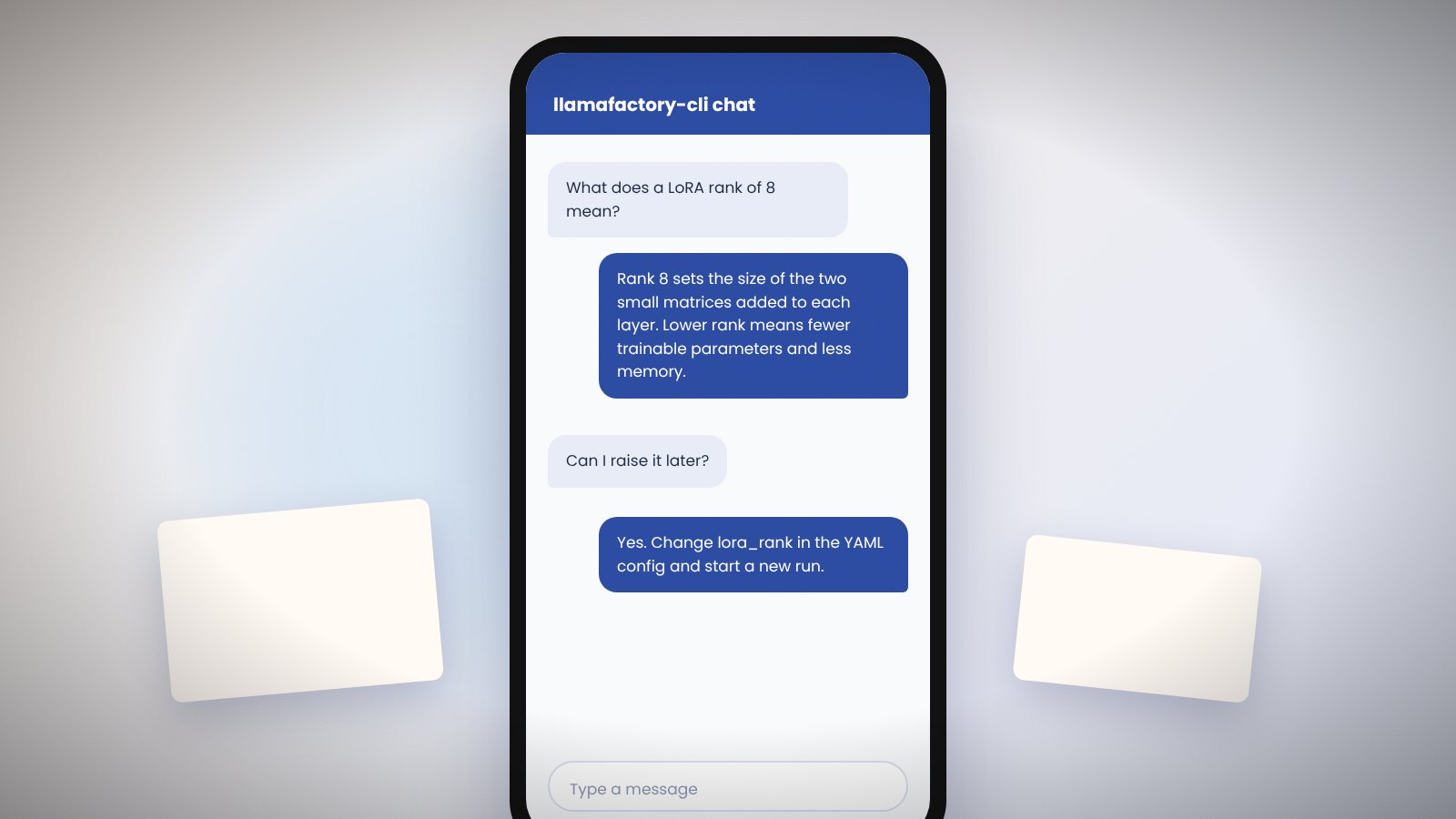
How to chat with a fine-tuned model in the terminal, the web UI and through an OpenAI-style API, including vLLM and SGLang backends.
Read the article →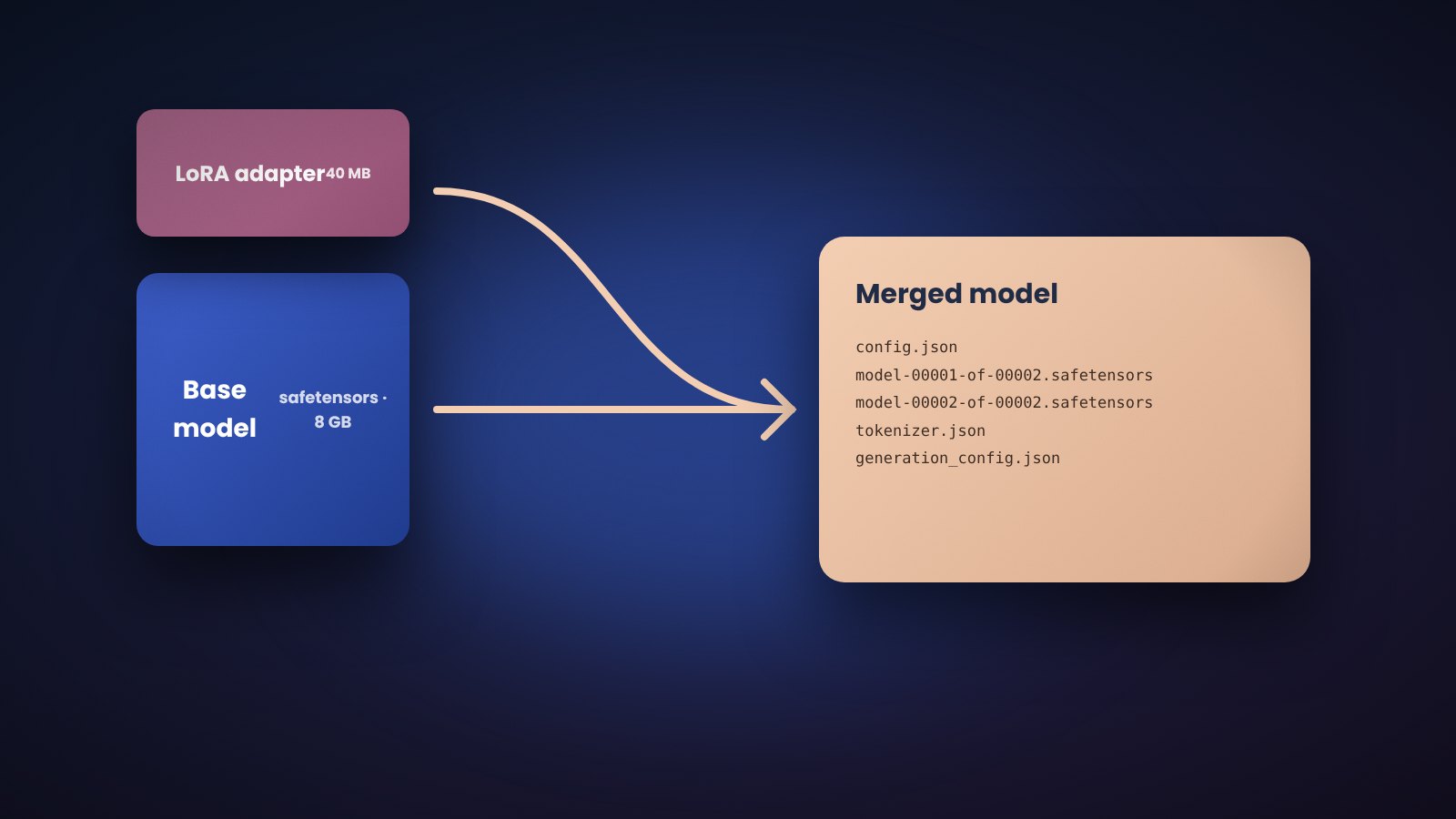
Merge a trained adapter into the base weights, quantize the result and push it to the Hugging Face Hub using the Llama Factory export command.
Read the article →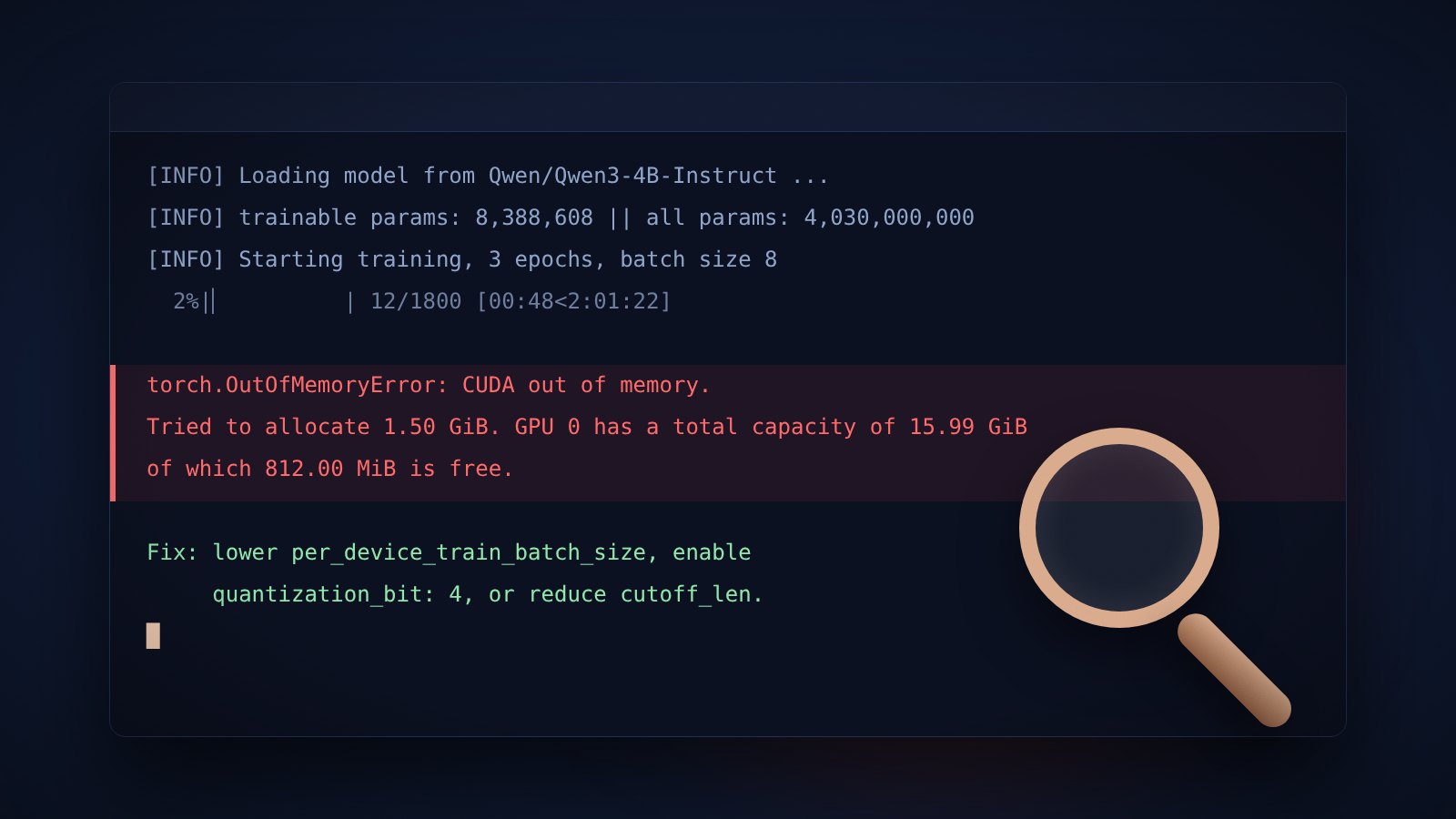
Solutions for the errors people hit most in Llama Factory: CUDA out of memory, version mismatches, template problems and Windows issues.
Read the article →