 Llama Factory
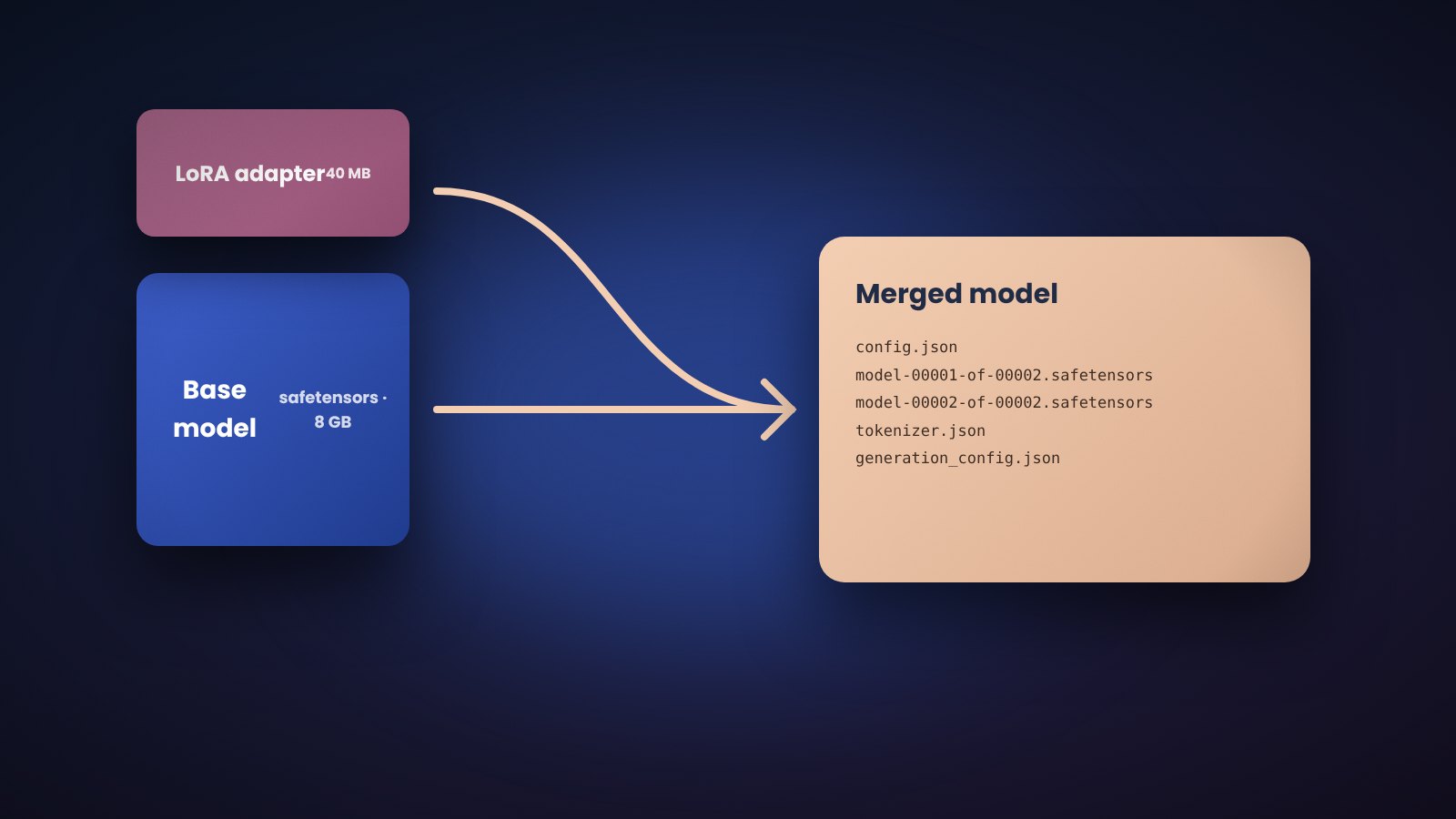
A LoRA run produces a small adapter folder, not a full model. To ship a model that loads anywhere, merge the adapter into the base weights. Llama Factory does this with one command.
Llama Factory merge config
model_name_or_path: Qwen/Qwen3-4B-Instruct
adapter_name_or_path: saves/qwen3-4b/lora/sft
template: qwen3
trust_remote_code: true

export_dir: output/qwen3_4b_sft
export_size: 5
export_device: cpu
export_legacy_format: false
llamafactory-cli export examples/merge_lora/qwen3_lora_sft.yamlexport_size sets the shard size in GB. export_device: cpu avoids using GPU memory during the merge.
Important Llama Factory rule for QLoRA
Do not merge a QLoRA adapter onto a 4-bit model. Point model_name_or_path at the original 16-bit checkpoint and leave quantization_bit out of the export config.
What the Llama Factory export contains
- Sharded
model-0000x-of-0000y.safetensorsfiles config.jsonandgeneration_config.json- Tokenizer files and the chat template
The folder loads with AutoModelForCausalLM.from_pretrained, with vLLM, Ollama (after GGUF conversion) and most serving stacks.
Quantize on export in Llama Factory
Set export_quantization_bit: 4 and export_quantization_dataset to a calibration file to produce a GPTQ model. This happens after the merge, so it works with LoRA and full fine-tunes alike.
Push a Llama Factory model to the Hub
Add export_hub_model_id: yourname/model-name and log in with huggingface-cli login first. The export uploads directly.
Convert a Llama Factory model to GGUF
For llama.cpp or Ollama, run the convert_hf_to_gguf.py script from llama.cpp on the merged folder, then quantize with llama-quantize. Llama Factory does not perform this step itself.